The quick verdict
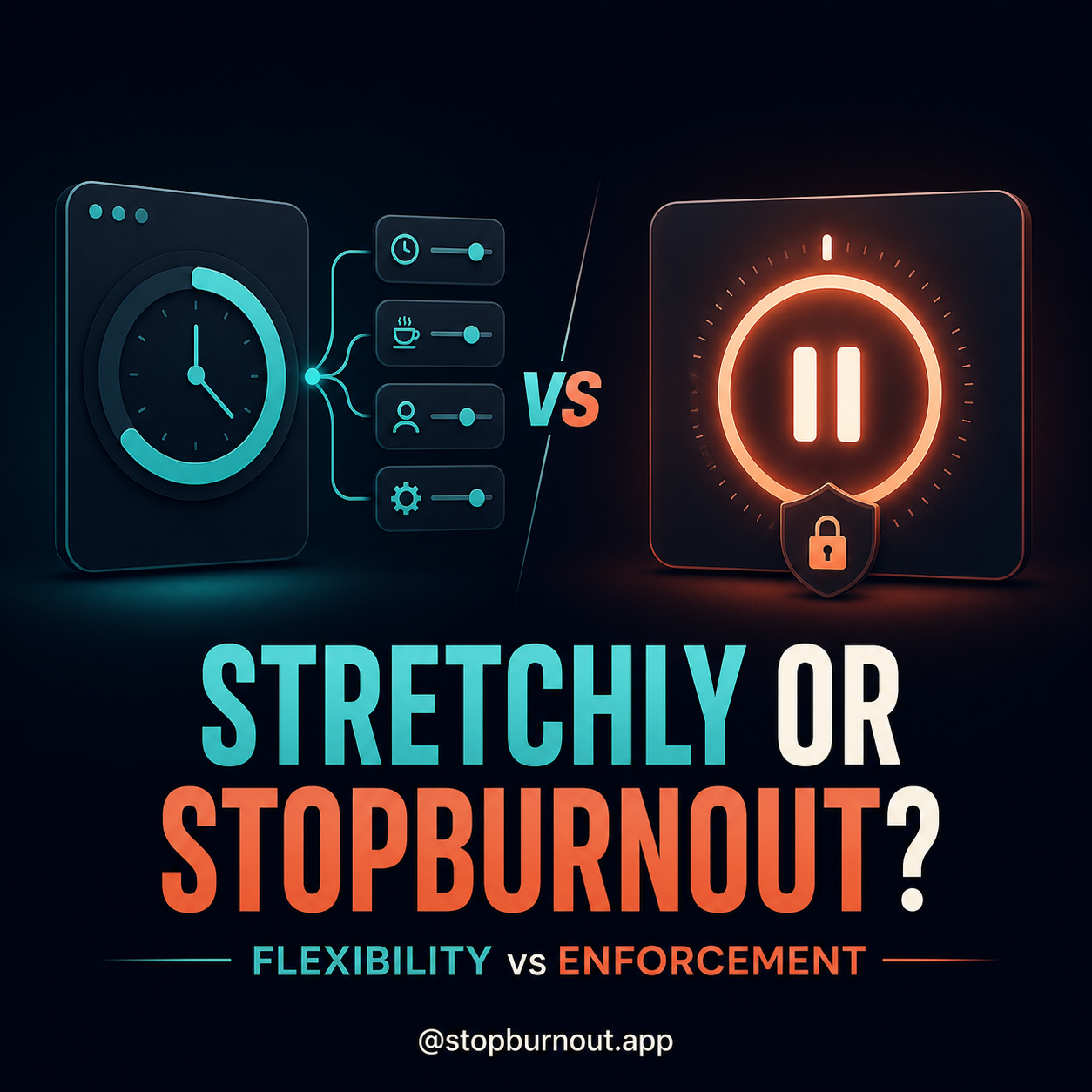
Stretchly is the best first choice for most people. It is free, open source, available across Windows, macOS and Linux, and unusually configurable. Its official settings include mini and long breaks, strict mode, full-screen breaks, idle monitoring, Do Not Disturb awareness and support for showing breaks on all screens.
StopBurnout is for the narrower problem Stretchly may not solve: you already know when to rest, but you negotiate with every alert. It concentrates on Windows, counts active work, and offers escalating protection — including a password-controlled mode and a “No way out” mode that cannot be ended early from the break screen.
StopBurnout vs Stretchly at a glance
| Feature | Stretchly | StopBurnout |
|---|---|---|
| Best for | Flexible reminders | Hard-to-skip Windows breaks |
| Platforms | Windows, macOS, Linux | Windows 10/11 |
| Price | Free, open source | Free 14-day trial, then one-time license |
| Break structure | Mini and long breaks | One configurable work/break rhythm |
| Strict options | Strict settings for both break types | Notification, password-locked, No way out |
| Idle awareness | Natural-break monitoring | Idle time rewinds active-work progress |
| Multiple monitors | Can show breaks on all screens | Every-monitor overlay in locked modes |
| Customization | Extensive UI and config-file options | Deliberately narrower |
| Account | No account | No account; license activation for paid use |
Compared from current official product documentation on August 21, 2026. Features can change; follow the source links below for the latest details.
Choose Stretchly if…
- You want free and open source. Stretchly uses the BSD 2-Clause license and costs nothing.
- You move between operating systems. It supports Windows, macOS and Linux, with installers and portable builds documented by the project.
- You like tuning behavior. Intervals, durations, colors, break ideas, sound themes, full-screen behavior, all-screen behavior and application exclusions can all be adjusted.
- You want two break scales. Stretchly defaults to brief mini breaks plus longer breaks, and both can be configured separately.
Its default behavior is thoughtful: a 20-second mini break every 10 minutes, a five-minute long break every 30 minutes, advance warnings, idle detection and Do Not Disturb monitoring. If that cadence feels busy, change it. Customization is the point.
Choose StopBurnout if…
- You only need Windows. The app is designed around Windows behavior instead of cross-platform parity.
- Your problem is dismissal, not awareness. Locked modes replace the optional notification with a full-screen boundary across every monitor.
- You want someone else to hold the password. A trusted person can set it so late-night you cannot quietly weaken the rules.
- You prefer a simple contract. Work for the chosen active-time limit, take the chosen break, repeat.
StopBurnout is not literally impossible to terminate: Windows system controls remain available, and the app does not pretend otherwise. The goal is to remove casual escape routes without behaving like malware.
The differences that actually matter
1. Customization versus commitment
Stretchly gives you more ways to shape the experience. StopBurnout gives your in-the-moment self fewer ways to renegotiate it. Neither philosophy is universally better. If you enjoy finding the perfect cadence, choose Stretchly. If settings become loopholes, choose the simpler boundary.
2. Two timers versus one
Stretchly's mini-break and long-break model can handle eye resets and longer movement separately. StopBurnout uses one work limit and one break duration. That is less nuanced, but easier to reason about when consistency matters more than granularity.
3. Cross-platform reach versus Windows depth
Stretchly is the obvious choice for mixed-device workflows. StopBurnout focuses on Windows-specific active-input tracking, every-monitor overlays, password-gated settings and state that survives a reboot during a break.
4. Free software versus a paid enforcement tool
Stretchly is free. That is a meaningful advantage, not a footnote. StopBurnout includes a complete 14-day trial and then uses a one-time lifetime license. Try Stretchly first if price matters or you are unsure how much enforcement you need.
Still dismissing the reminder?
StopBurnout is built for that exact moment. Test all three protection levels for 14 days, then keep it only if the firmer boundary changes what you actually do.
Frequently asked questions
Is Stretchly free?
Yes. Stretchly is free and open-source software released under the BSD 2-Clause license.
Does Stretchly have a strict mode?
Yes. Stretchly offers strict-mode settings for mini and long breaks, plus full-screen and all-screen options.
Which is better, Stretchly or StopBurnout?
Stretchly is the better default for free, cross-platform customization. StopBurnout is the better fit for Windows users who repeatedly dismiss reminders and want stronger pre-committed break boundaries.
Primary source: Stretchly's official GitHub documentation. StopBurnout details come from the product's own feature pages. Product names belong to their respective owners.