
The quick verdict
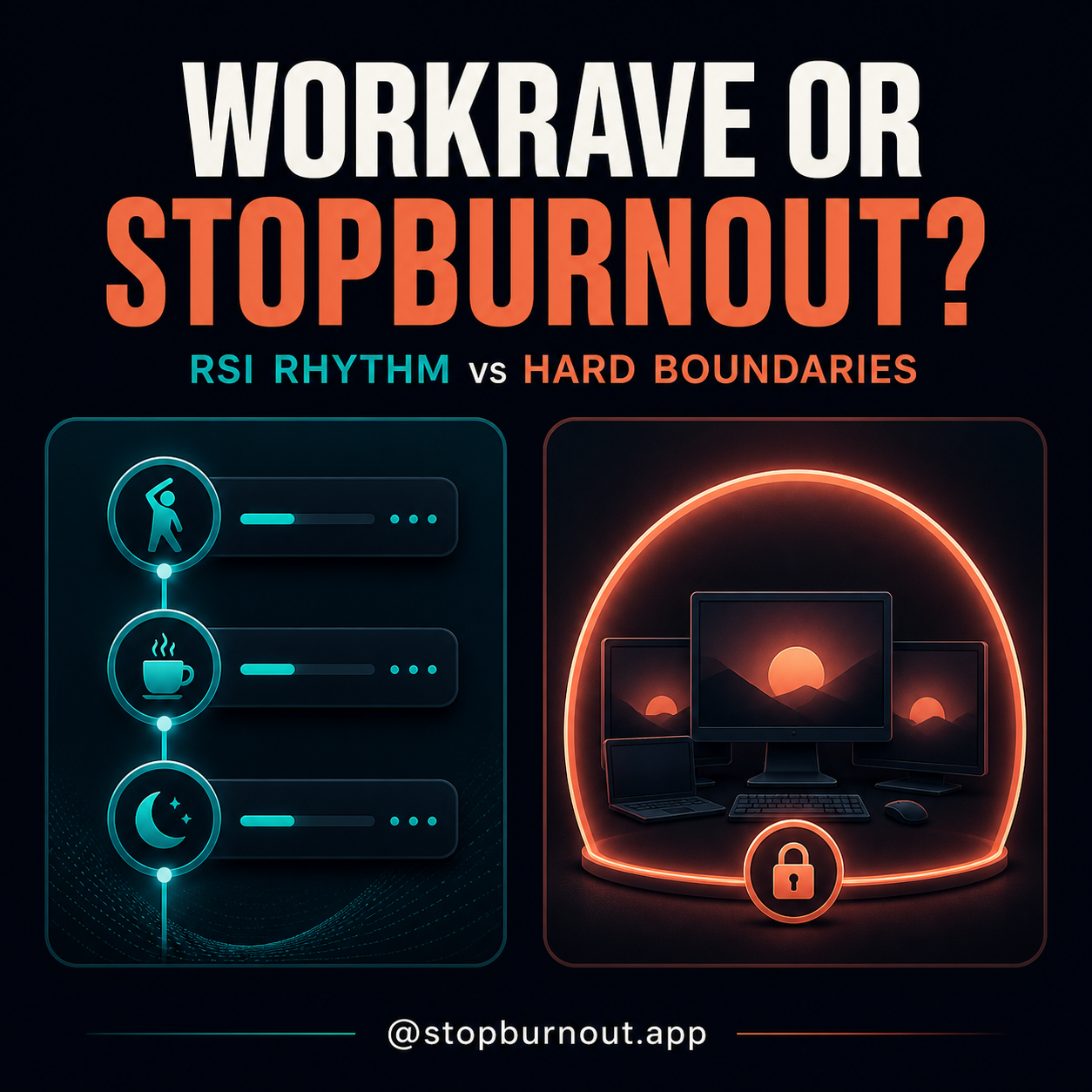
Workrave is the stronger tool for a structured RSI-conscious workday. Its official description centers on three layers: frequent micro-pauses, longer rest breaks and a daily computer-use limit. It is free, open source, mature, and available for Windows and Linux.
StopBurnout solves a narrower behavioral problem. It tracks active keyboard and mouse time on Windows, then can cover every monitor with a break that is deliberately difficult to end early. It is less of an ergonomics coach and more of a pre-committed boundary.
StopBurnout vs Workrave at a glance
| Feature | Workrave | StopBurnout |
|---|---|---|
| Best for | RSI-oriented pacing | Hard-to-skip Windows breaks |
| Platforms | Windows and Linux | Windows 10/11 |
| Price | Free, open source | Free 14-day trial, then one-time license |
| Break structure | Micro-pauses, rest breaks, daily limit | One configurable work/break cycle |
| Primary framing | Recovery and prevention of RSI | Behavioral enforcement |
| Active-time behavior | Activity-based break scheduling | Idle time rewinds active-work progress |
| Locked break choices | Configurable break modes | Password-locked or no-early-unlock modes |
| Every-monitor emphasis | Not its central product claim | Core locked-mode behavior |
| Account | No account | No account; license activation for paid use |
Compared from current official project documentation on August 21, 2026. Features can change; follow the source links below for the latest details.
Choose Workrave if…
- You want three recovery scales. Micro-pauses interrupt repetitive input, rest breaks create a longer reset, and the daily limit puts a ceiling on total computer time.
- Your goal is RSI-aware pacing. That is the product's stated purpose, not an add-on marketing angle.
- You want free, open-source software. Workrave is released under GPLv3.
- You use Linux as well as Windows. The official project supports both and documents native installation paths.
- You value a mature, detailed tool. Workrave has years of development behind its timers, break windows and platform integrations.
Workrave also makes sense when you want a tool that expresses a full-day policy instead of one repeating interval. The daily limit is the clearest example: it asks not only “when is the next break?” but also “how much computer work is enough today?”
Choose StopBurnout if…
- You keep ignoring break prompts. StopBurnout's locked modes are built around removing the casual “not now” decision.
- You use multiple monitors on Windows. The break overlay is designed to cover every display, not leave the terminal visible on screen two.
- You want trusted-person accountability. A password can protect settings and early unlocks; in No way out mode, the running break simply has no early unlock path.
- You prefer fewer concepts. One active-work limit and one enforced break can be easier to maintain than three separate timers.
StopBurnout deliberately leaves Windows system controls available. It can block ordinary close attempts and remove in-app escape routes, but it does not disable operating-system safety shortcuts.
The differences that actually matter
1. A recovery system versus a commitment device
Workrave models different kinds of recovery across the day. StopBurnout asks for one decision in advance — how long you will actively work and how long you will stop — then holds that line more firmly.
2. RSI specificity versus burnout behavior
Workrave's language and design are explicitly tied to repetitive-strain recovery. StopBurnout is not a treatment or prevention tool for RSI; it is for people whose hyperfocus or “five more minutes” loop makes normal reminders ineffective. If pain or numbness persists, neither app replaces an ergonomic assessment or clinician.
3. Free depth versus paid simplicity
Workrave gives you a remarkable amount for free. StopBurnout charges a one-time fee after the complete trial because its value proposition is narrower: strict Windows enforcement, local statistics and a deliberately simple setup. If Workrave changes your behavior, keep it and spend nothing.
4. Daily ceiling versus repeatable cycle
Workrave's daily limit can be valuable when the total day is the problem. StopBurnout's cycle is more useful when you want each focus block to end in a real break, regardless of when the workday begins.
Need a firmer Windows boundary?
Try StopBurnout's notification, password-locked and No way out modes with your real work for 14 days. If you want richer RSI pacing instead, Workrave remains the better free tool.
Frequently asked questions
Is Workrave free?
Yes. Workrave is free and open-source software licensed under GPLv3, with official downloads for Windows and Linux.
What is the main difference between Workrave and StopBurnout?
Workrave organizes a complete RSI-oriented rhythm of micro-pauses, rest breaks and a daily limit. StopBurnout focuses on one active-work limit followed by a harder-to-skip, every-monitor Windows break.
Should I use Workrave or StopBurnout?
Use Workrave when you want free, detailed RSI pacing. Use StopBurnout when your main problem is repeatedly ignoring ordinary reminders on Windows.
Primary sources: Workrave's official repository and project website. StopBurnout details come from the product's own feature pages. Product names belong to their respective owners.